
As a graphic designer, having access to the right tools and resources can greatly enhance your creativity, productivity, and overall design process. Here are some top tools and resources that are popular among graphic designers in 2023:

Adobe Creative Cloud:
Adobe Creative Cloud remains a staple for graphic designers, offering a comprehensive suite of software including Photoshop, Illustrator, InDesign, and more. It provides powerful tools for image editing, vector graphics creation, and layout design.
Procreate:
Procreate is a digital drawing and painting app designed specifically for iPad users. It offers a wide range of brushes, layering capabilities, and intuitive interface, making it a favorite tool among digital illustrators and artists.
Figma:
Figma is a collaborative design tool that allows designers to create, prototype, and collaborate on designs in real-time. Its cloud-based nature enables seamless collaboration with team members and clients, making it a popular choice for remote work and design collaboration.
Canva:
Canva is a user-friendly online design platform that caters to both professionals and beginners. It provides a wide range of pre-designed templates, stock photos, and graphic elements, making it easy to create visually appealing designs for social media posts, presentations, and more.

Google Fonts:
Google Fonts is a vast library of free and open-source fonts that can be used in various design projects. It offers a wide range of typefaces, making it a valuable resource for finding the perfect typography to enhance your designs.
Dribbble:
Dribbble is a popular online community for designers to showcase their work, find inspiration, and connect with other creatives. It’s a great platform to discover trends, explore different design styles, and get feedback on your own designs.
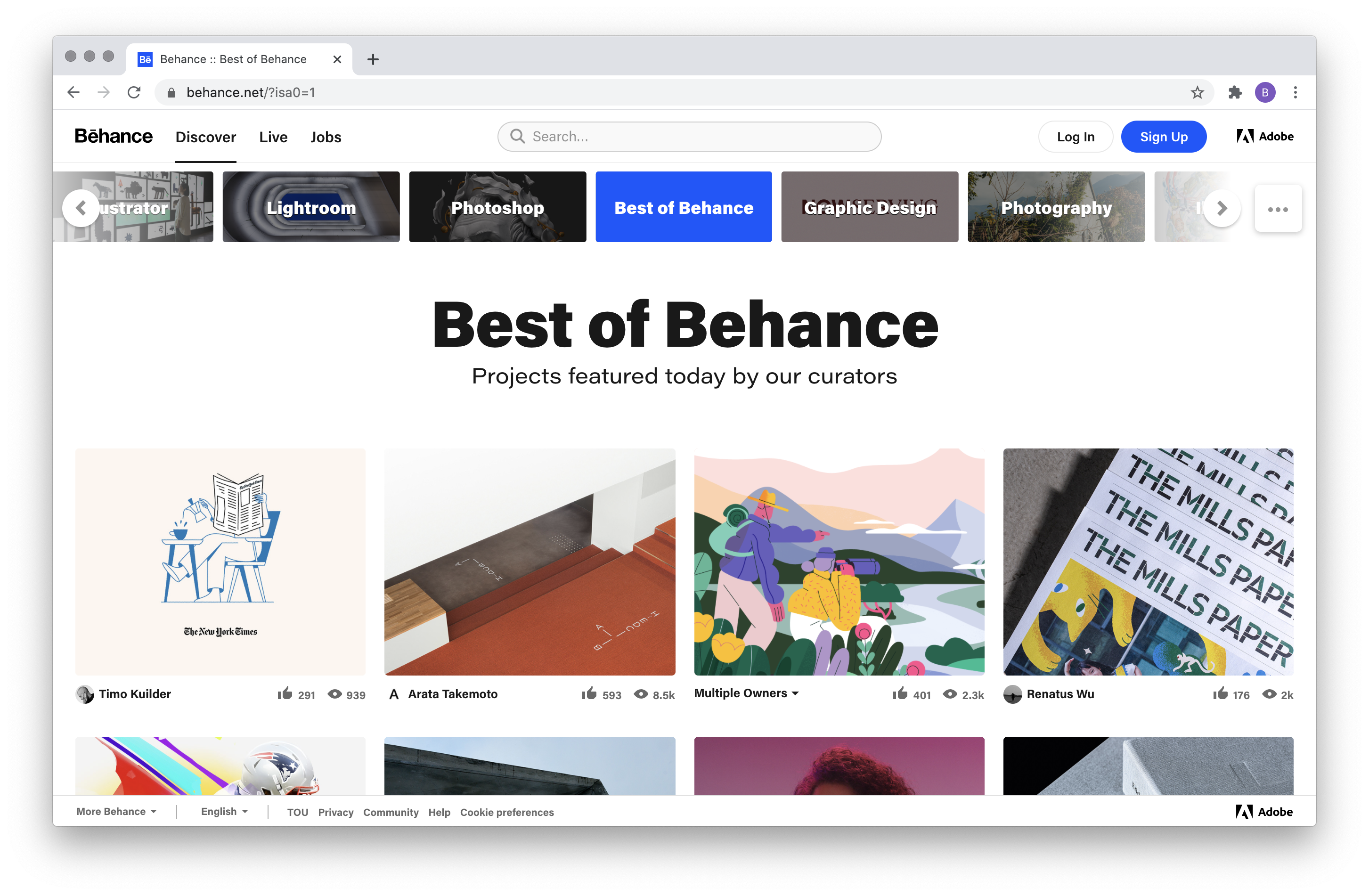
Behance:
Behance is another online platform that allows designers to showcase their portfolios and gain exposure. It’s widely used by designers to share their work, discover creative projects, and connect with potential clients and employers.
Stock Photo Libraries:
Access to high-quality stock photos is crucial for graphic designers. Websites like Unsplash, Pexels, and Shutterstock offer a vast collection of royalty-free images that can be used in design projects, saving time and ensuring professional-looking visuals.
Design Blogs and Online Tutorials:
Staying updated with the latest design trends and techniques is essential for graphic designers. Following design blogs and online tutorials, such as Smashing Magazine and Adobe’s Creative Cloud Blog, can provide valuable insights, tutorials, and inspiration.
Online Learning Platforms:
Platforms like Skillshare, Udemy, and LinkedIn Learning offer a wide range of online courses and tutorials specifically tailored for graphic designers. These platforms allow designers to enhance their skills, learn new techniques, and stay ahead in the ever-evolving design industry.
These are just a few of the many tools and resources available to graphic designers in 2023. The key is to explore and find the ones that best suit your specific needs and design preferences. Continuously expanding your toolkit and keeping up with industry trends can help you stay at the forefront of graphic design.